
Creating Voucher Promotion Codes
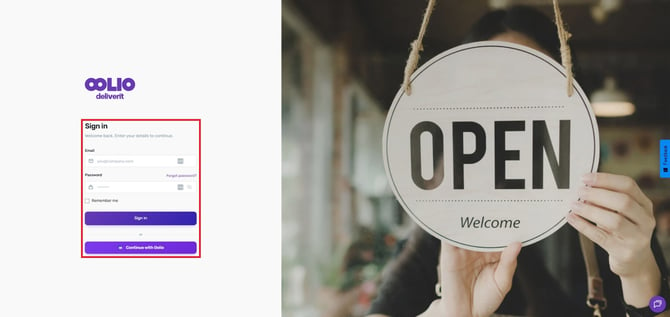
Log in to Deliverit Studio
Go to https://my.deliverit.com.au and log in with your admin credentials.
Open the Promotions Section
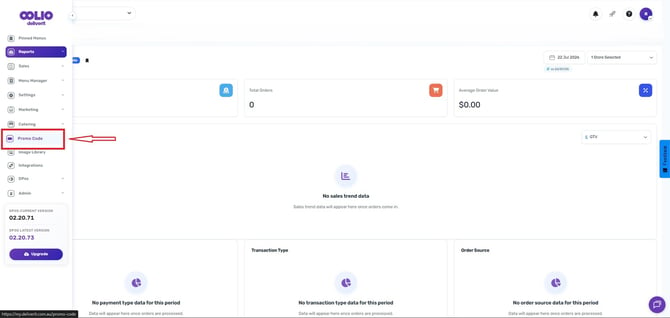
From the left-hand menu, navigate to Promocode.
Start a New Voucher Promo
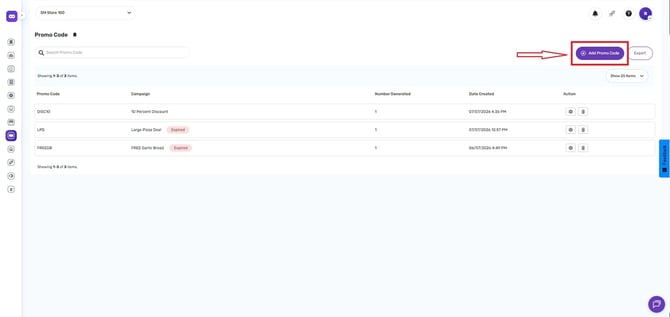
Click the option to click Add Promo Code.
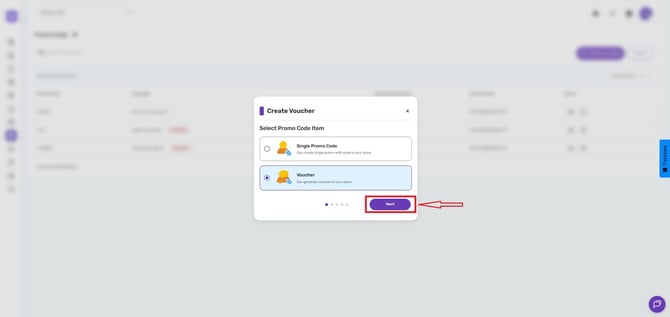
Choose the Voucher Promo code.
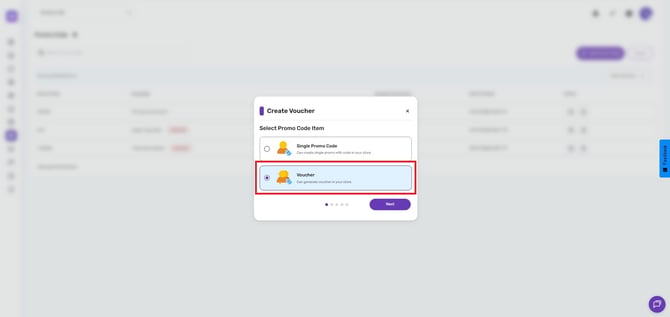
Then click the Next button.
Fill Out Campaign Details
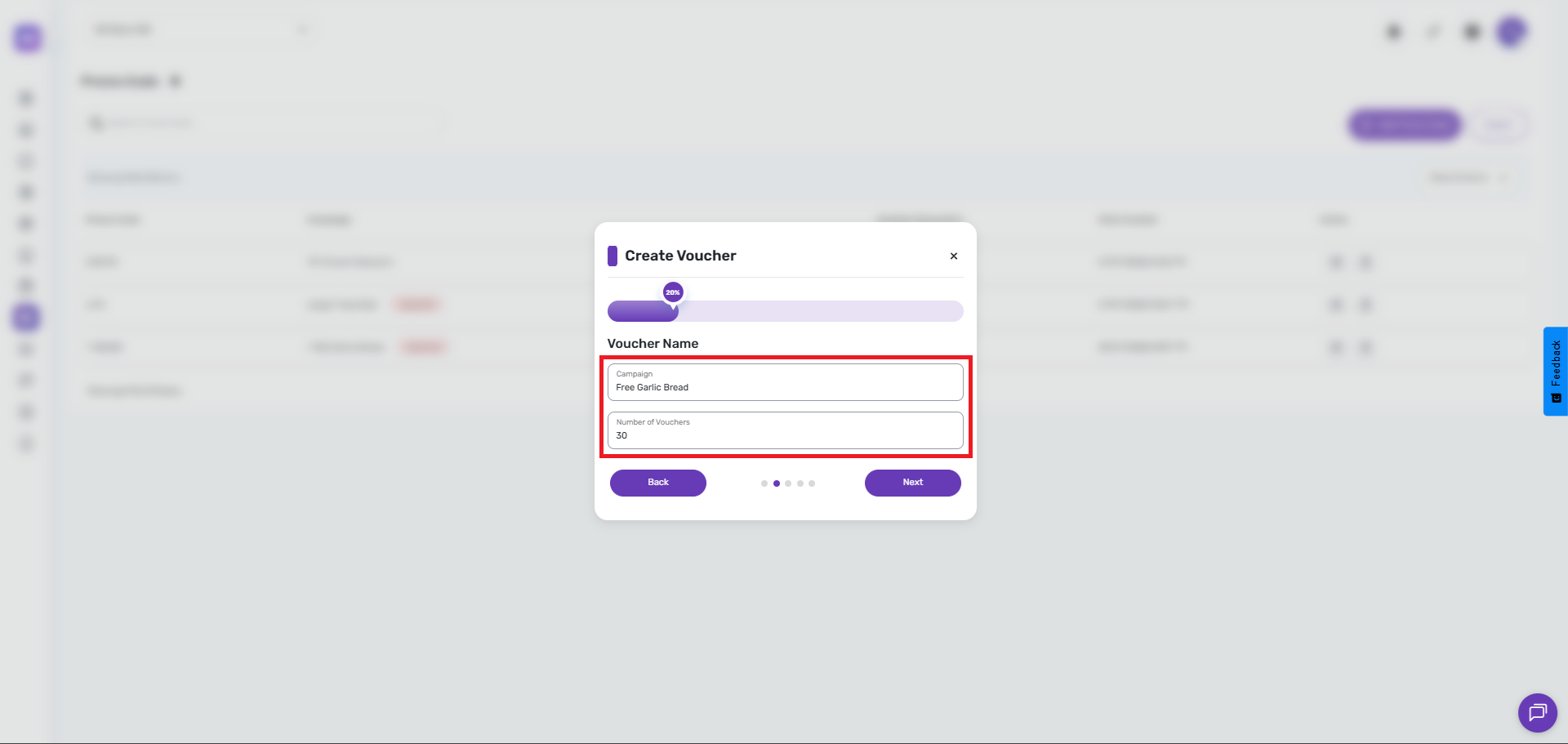
- Campaign Name: Enter a relevant name for traceability
- Number of Codes: Type how many unique codes you want to generate (e.g., 30 codes), then click Next.
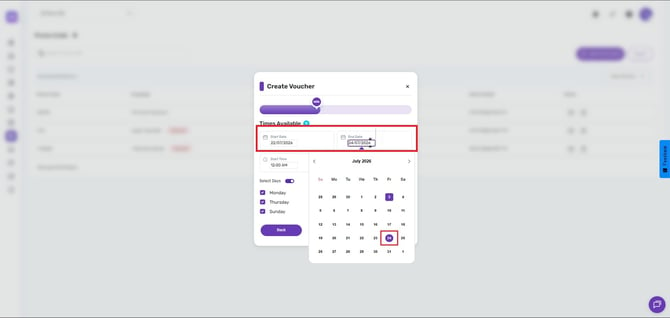
- Start and End Dates: Set the promotion’s active period.
- Promo Code Active Time: The specific time frame during which the code can be redeemed.
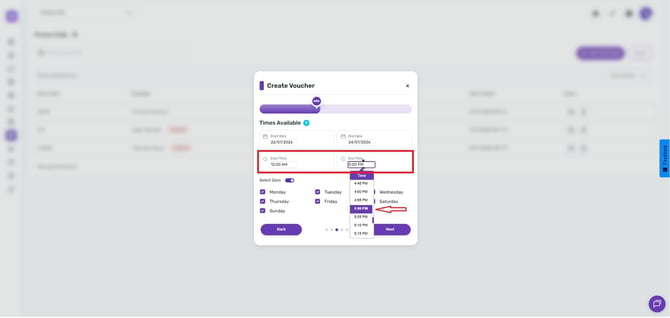
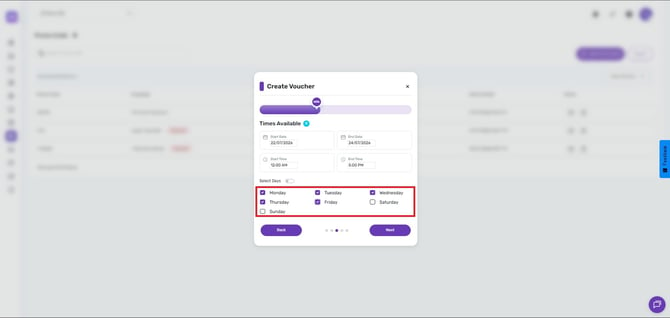
- Days Available:
Choose a specific day when the promo can be used.
Or enable the All Days button if you want the promo code available on all days
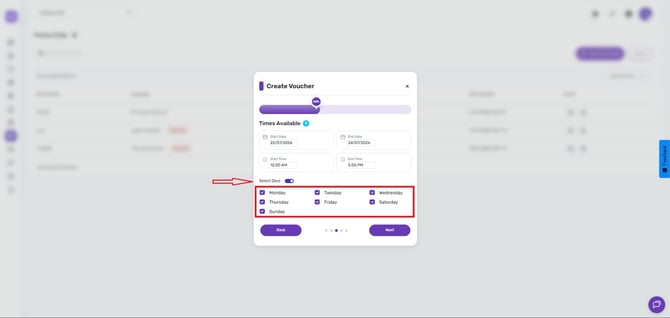
When done, click Next.
Link to a Promotional Offer
Connect your Voucher promo to an existing deal, discount, or item:
If required, refer to these help guides to create items or offers:
Single Items:
How to Use the Add Item Wizard on DeliveritStudio.
Discounts:
How to Set Up a Discount Promo Code in DeliveritStudio.
Meal Deal or Combo:
How to Set Up a Meal Deal/ Combo Promocode in DeliveritStudio.
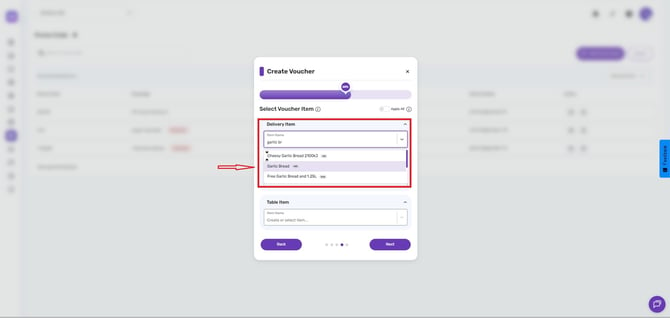
- Choose a promo type (e.g., Free Garlic Bread),
- For one of the following:
Pick Up Item
Table Item
- Or enable the Apply All button to automatically apply to all ordering type.
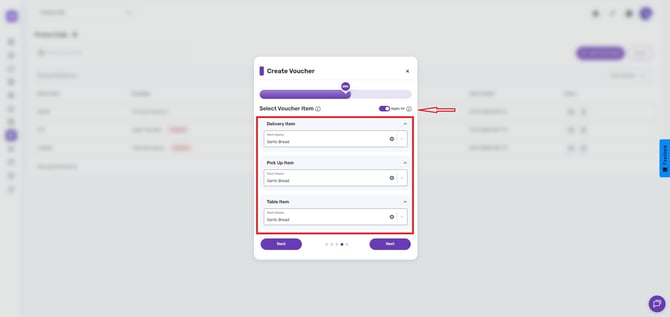
- Then click Next.
Configure Promo Settings
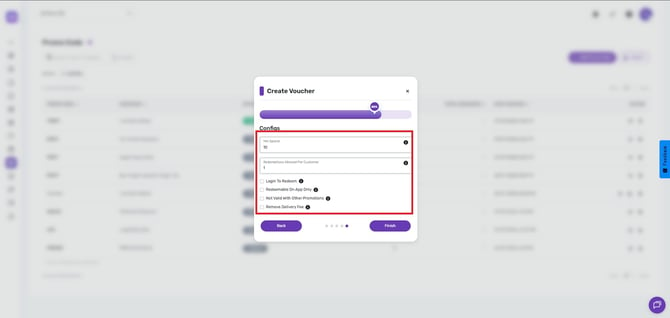
Set any required conditions:
- Login to Redeem: Require customers to log in to their online ordering account to use the promo code.
- Redeemable on App Only: Ensure the promo code can only be used through the mobile app (unticked means it’s available for both website and app).
- Not Valid with Other Promotions: This promo code cannot be combined with other discounts.
- Remove Delivery Fee - Enable this option to remove the delivery fee from customer orders, allowing delivery charges to be waived when needed.
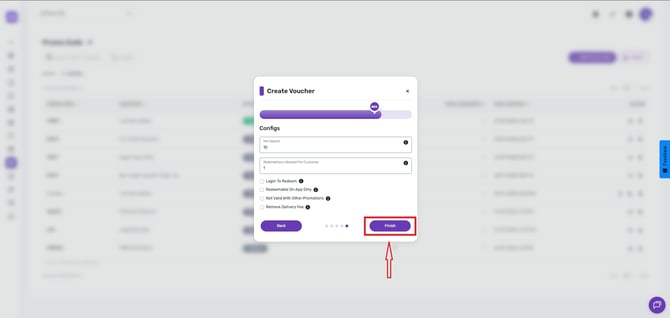
- Click the Finish button.
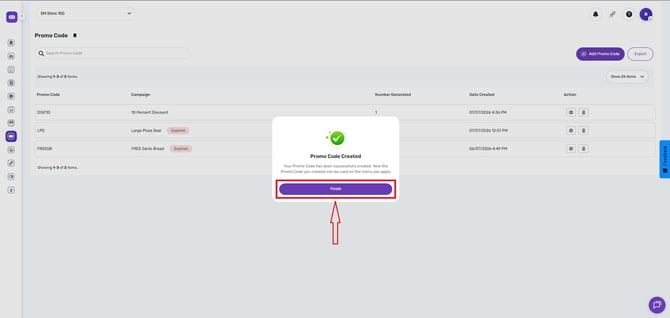
Generate and Export Codes
Once complete:
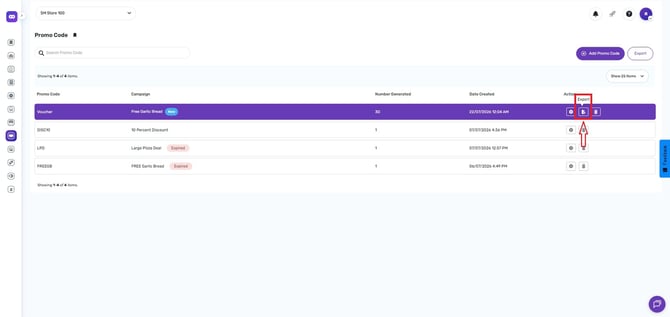
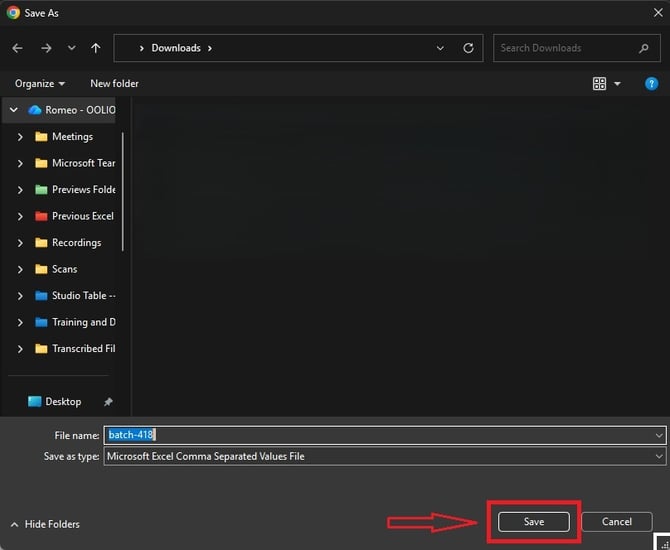
- Click Export to download them as a CSV or Excel file.
Then click Save.
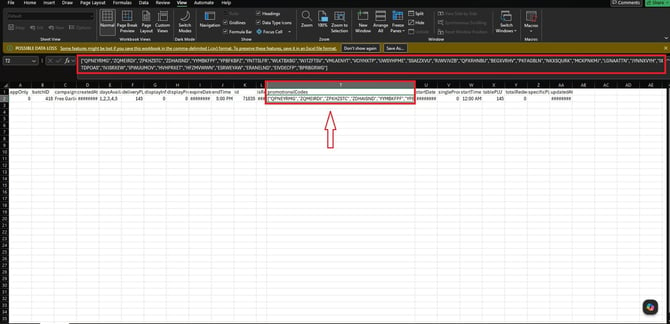
The unique codes will appear in the column titled PromotionalCodes—ensure the number of codes matches your original request (e.g., 30).
Distribute Codes to Customers
Use the exported list to send codes individually via email, as part of a loyalty or customer retention campaign.
Tracking Codes
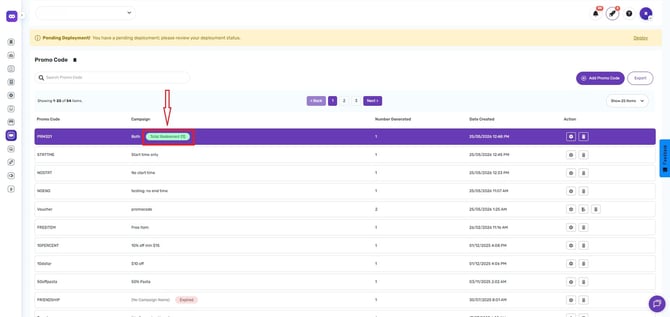
Each time a code is redeemed, the total number of redemptions is automatically updated and displayed as a green redemption tag beside the campaign name.
By following these steps, you will be able to create and track Voucher promotion codes in Deliverit Studio efficiently. If you need further assistance, simply click the blue chat icon at the bottom-right corner of the screen to connect directly with our Application Support Team.