
Steps to Reset Your Password
Open the Studio Login Page
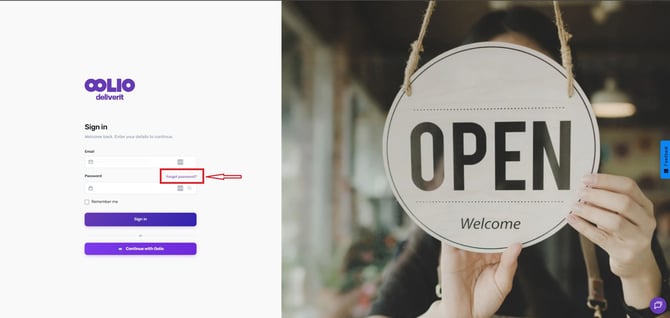
Go to my.deliverit.com.au. and click Forgot Password.
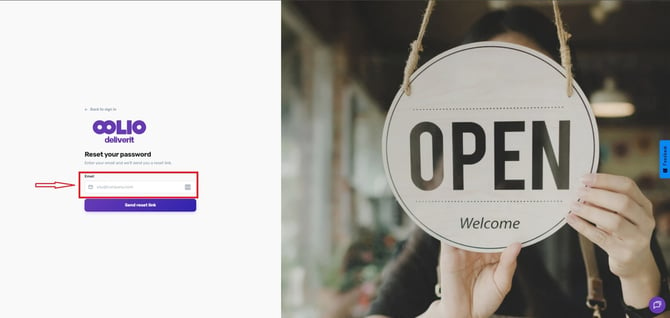
Enter Your Email Address
Enter the email address associated with your Deliverit Studio account.
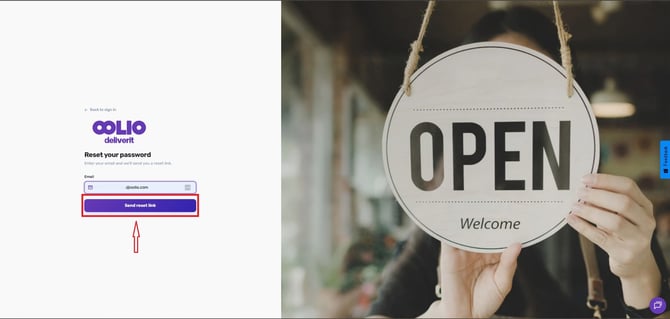
Send the Reset Link
Click the Send Reset Link button.
Check Your Email
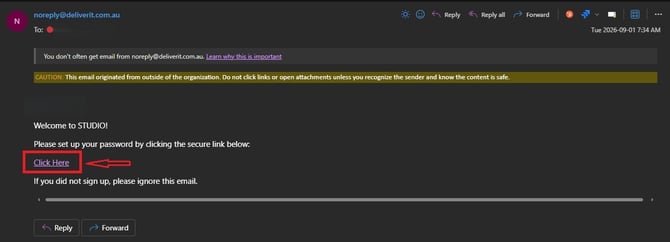
A password reset email will be sent to your inbox.
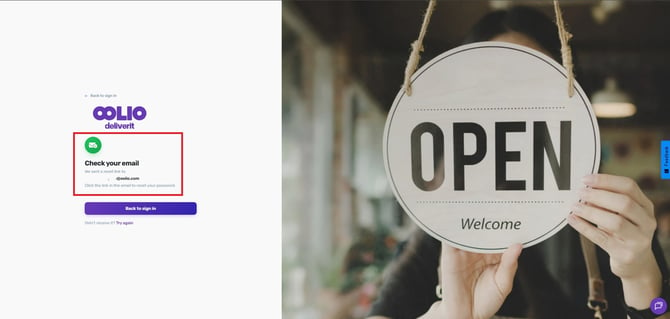
Open the email and click the Reset Password link.
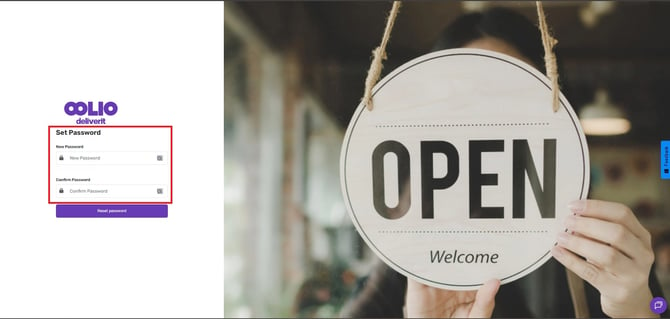
Create a New Password
Enter your new password and click the Reset Password button to save your new password.
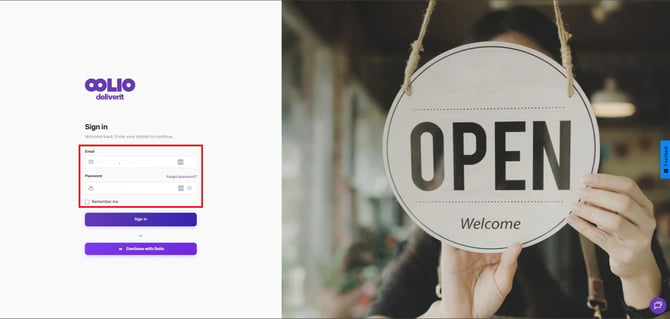
Log In to Studio
Once your password has been successfully reset, you will be redirected to the Studio login page, where you can sign in using your new password.
Tip: If you don't receive the reset email within a few minutes, check your Spam or Junk folder before requesting another reset link.
For security purposes, choose a strong password that is unique to your Deliverit Studio account. If you need further assistance, simply click the chat icon at the bottom-right corner of the screen to connect directly with our Application Support Team.