![Deliverit_White.png]](https://help.deliverit.com.au/hs-fs/hubfs/Deliverit_White.png?height=40&name=Deliverit_White.png)
Step-by-Step Guide
Log In to Your Account
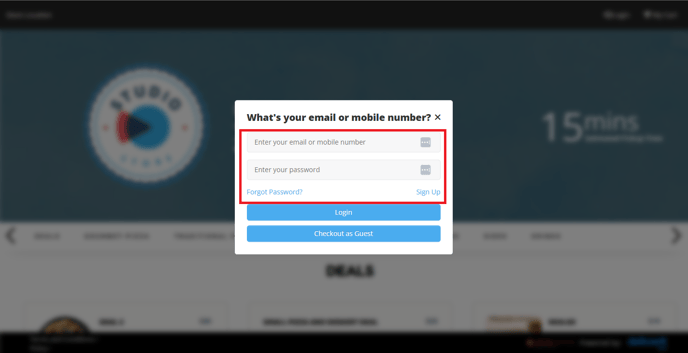
Visit your store’s Online Ordering website and log in using your account credentials.
Access Your Account
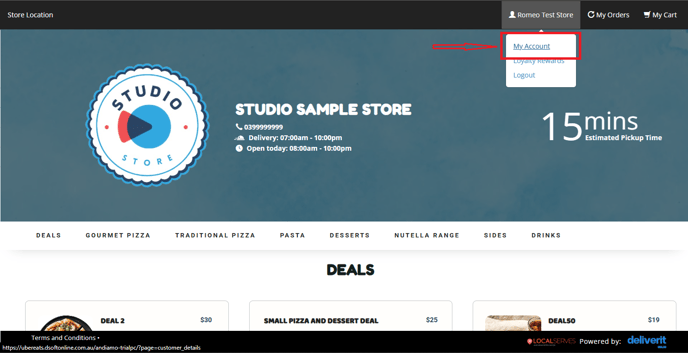
Click on the My Account icon in the upper-right corner of the page.
Go to My Profile
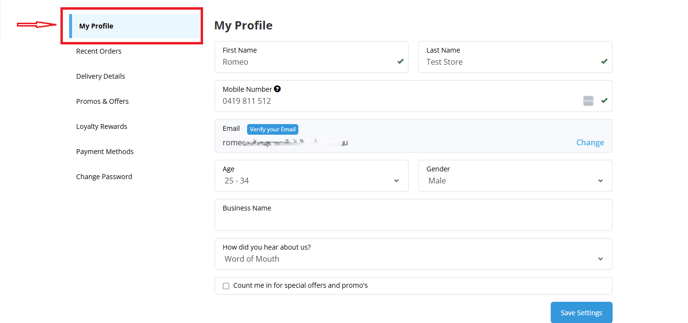
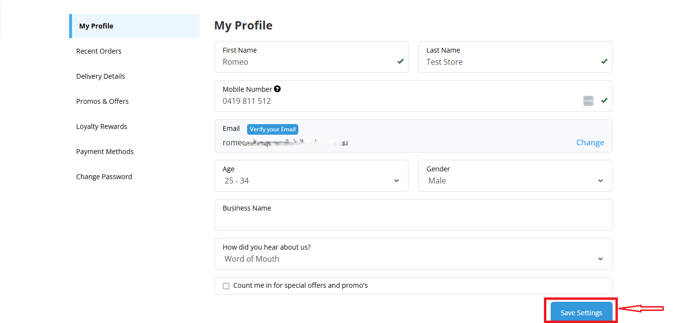
From the left-hand menu, select My Profile.
Update Your Details
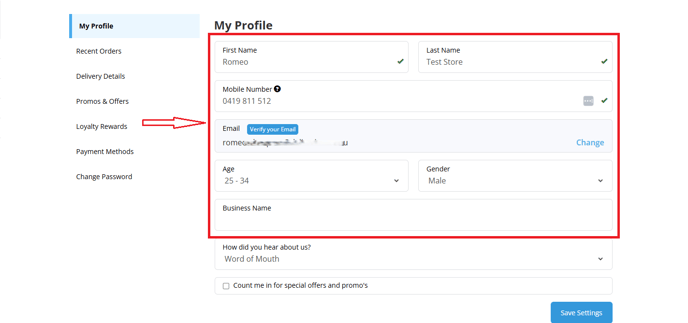
Here, you can update the following information:
- First Name and Last Name
- Mobile Number
- Email Address
- Age
- Gender
- Business Name (if applicable)
Save Your Changes
Click the Save Settings button to apply the updates.
By following these steps, you’ll be able to manage and update your personal information on the My Account page. If you require further assistance, please contact our application support team.