![Deliverit_White.png]](https://help.deliverit.com.au/hs-fs/hubfs/Deliverit_White.png?height=40&name=Deliverit_White.png)
Step-by-Step Guide
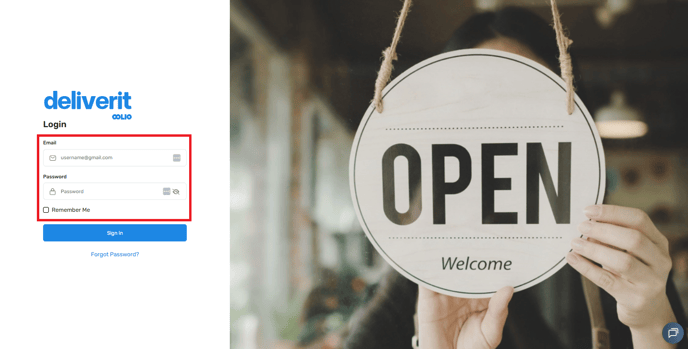
Log in to Deliverit Studio
Go to https://my.deliverit.com.au.
Enter your Cloud username and password, then click Log In.
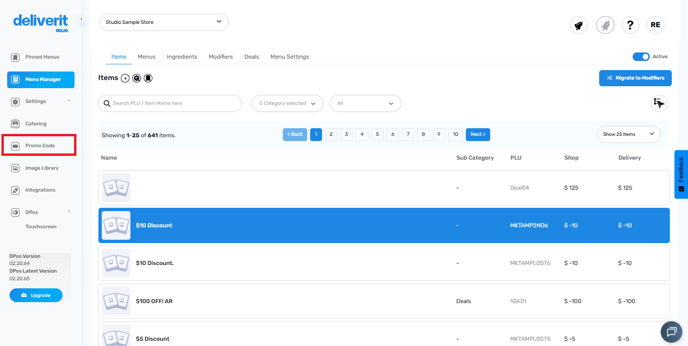
Open the Promo Code Section
From the left-hand menu, click Promo Code to view all your existing promotions.
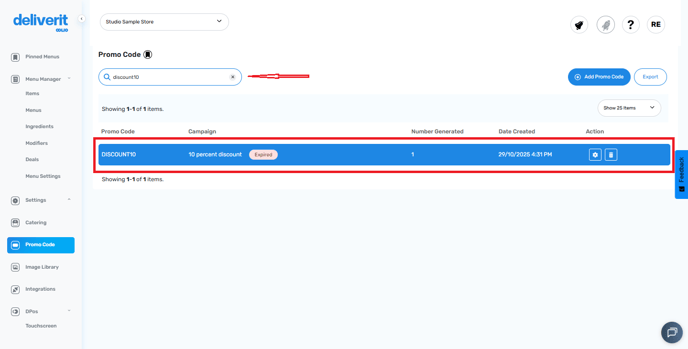
Find the Promo Code to Extend
Use the search bar to locate the promo code you wish to extend.
Select the item to open the settings window.
On the Times Available section, update the Dates and Times
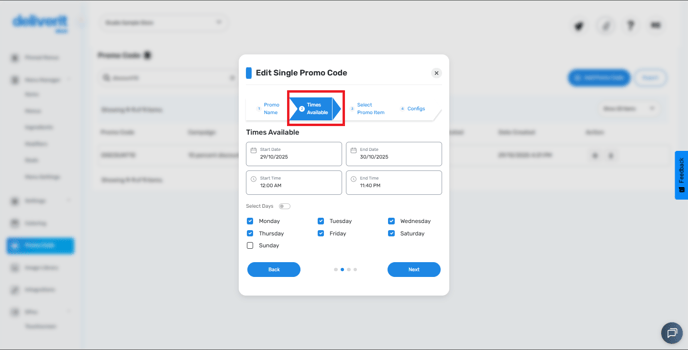
Adjust the Start Date and End Date to extend the promo period.
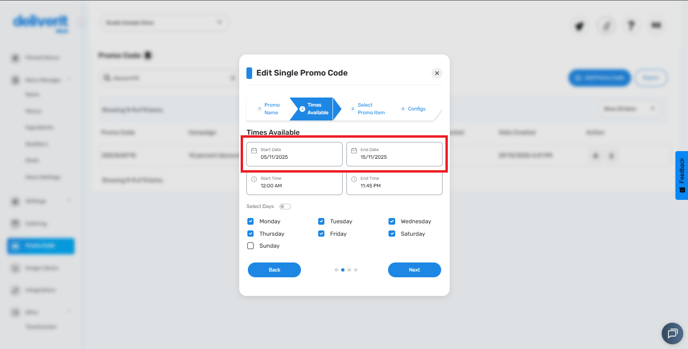
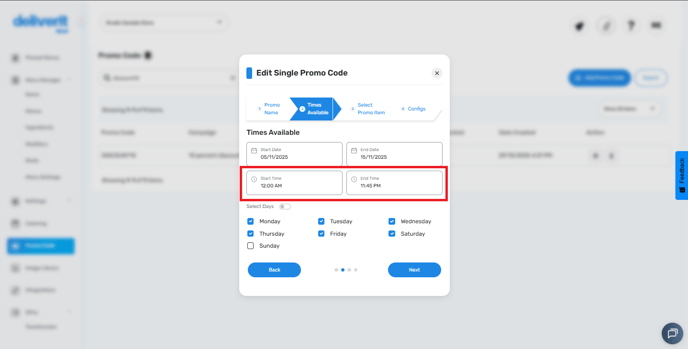
You can also update the Start Time and End Time if needed.
Set Day Availability
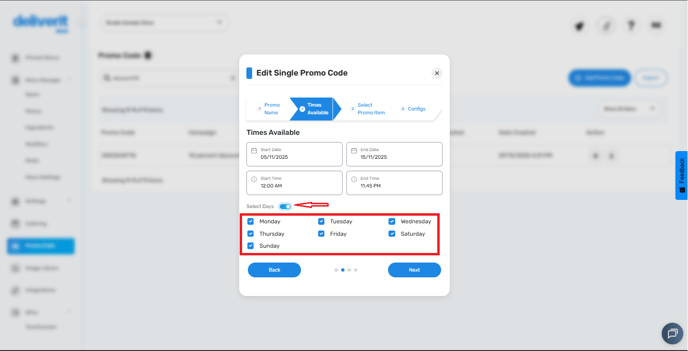
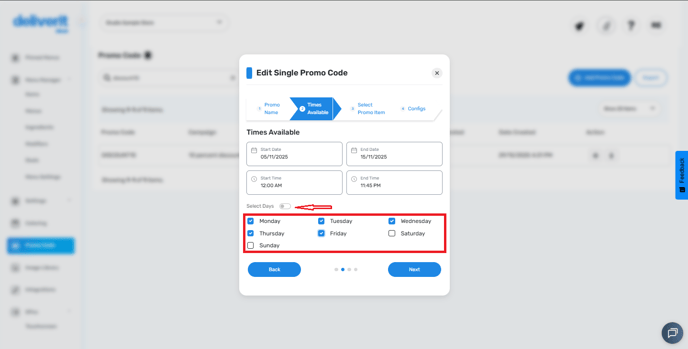
Select the days you want the promo to remain active.
You can toggle Select Days to make it available all week,
Or toggle off for specific days as needed.
Save Your Changes
Once all updates are made, go to the Configs tab and click Finish.
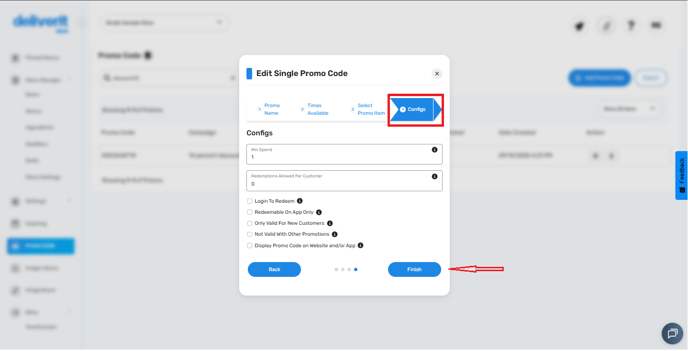
A pop-up will appear saying that the promo code has been updated. Click finish
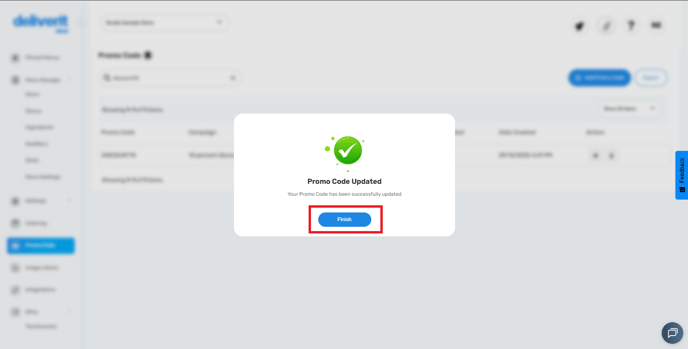
Your changes will be saved and applied automatically.
Now, the promo code is updated.
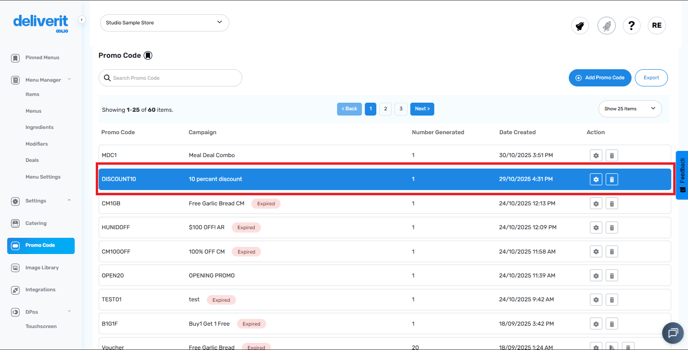
By following these steps, you will be able to extend existing promo codes in Deliverit Studio efficiently. If you need further assistance, simply click the blue chat icon at the bottom-right corner of the screen to connect directly with our Application Support Team.