
Step-by-Step Guide
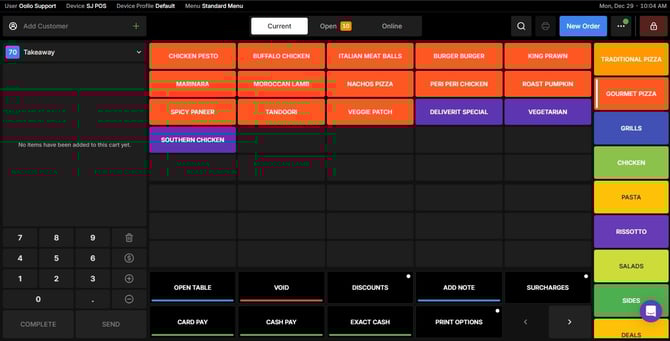
Go to the Order Screen
Start by navigating to the main order screen on your Oolio POS system.
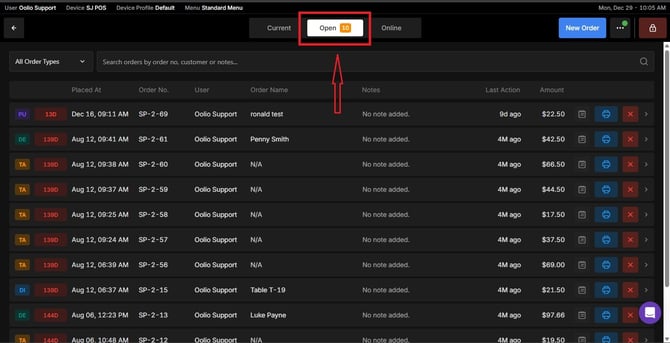
Open the Order Tab
Tap on the Order tab to access the search tools.
Use the Search Options
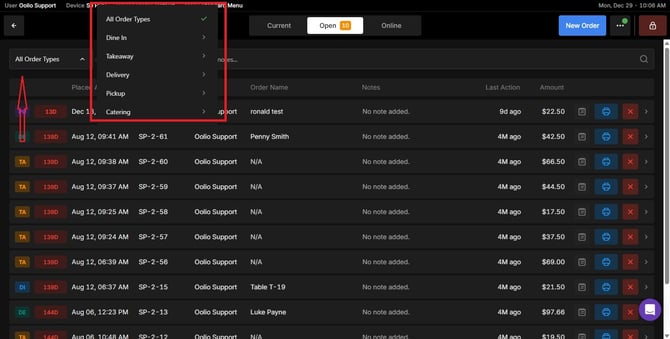
Here you can:
- Search by Order Type (e.g., dine-in, takeaway, delivery).
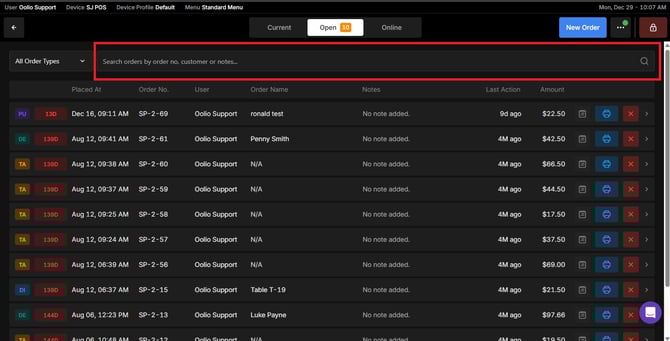
- Search by Order Number, Customer Name, or Notes for quick identification.
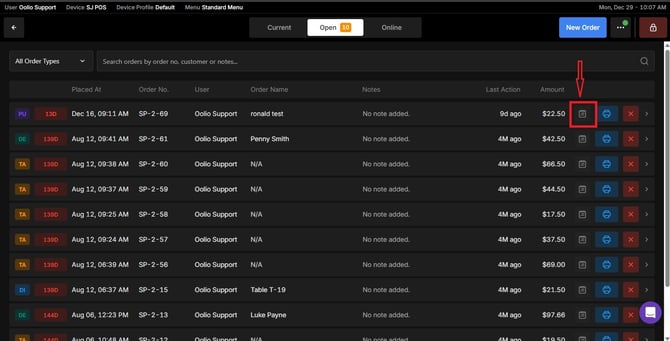
- Modify
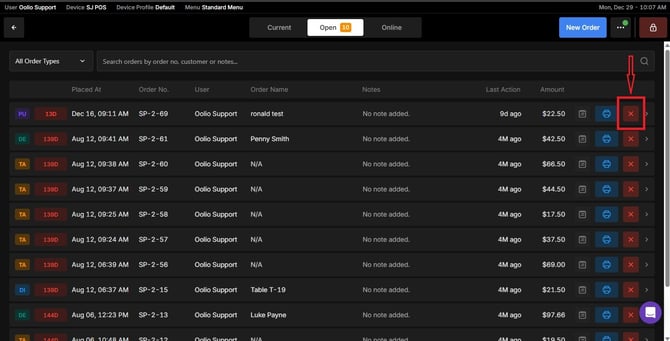
- Void
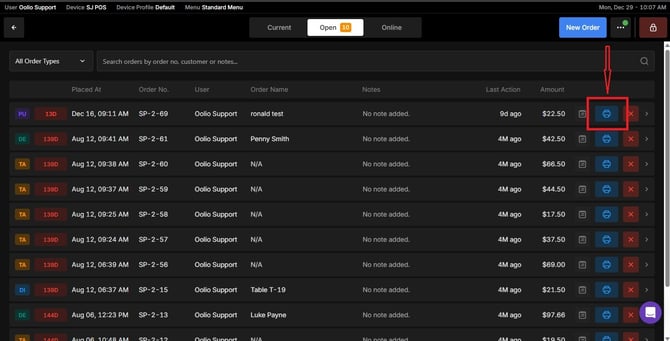
- Print or Reprint Receipts if needed.
If you need further assistance, if you need further assistance, simply click the blue chat icon at the bottom-right corner of the screen to connect directly with our Application Support Team.