
Note: Only users with Master Account access can remove other users.
Step-by-Step Instructions
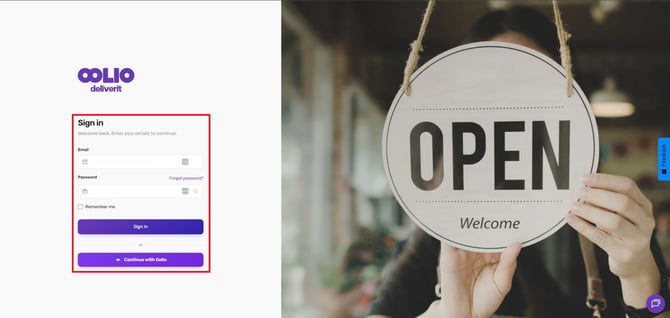
Log in to Deliverit Studio
-
Go to: https://my.deliverit.com.au
-
Sign in using your master user credentials
Open User Management
-
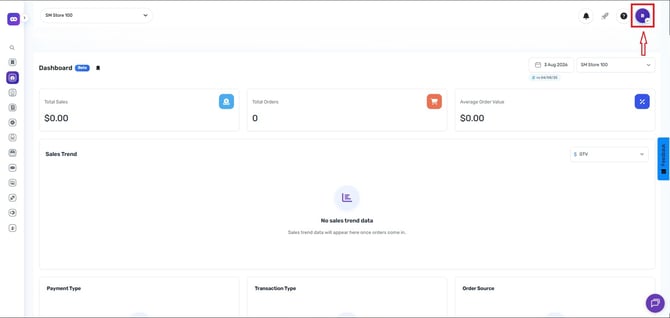
Click on your profile icon (located in the top-right corner).
-
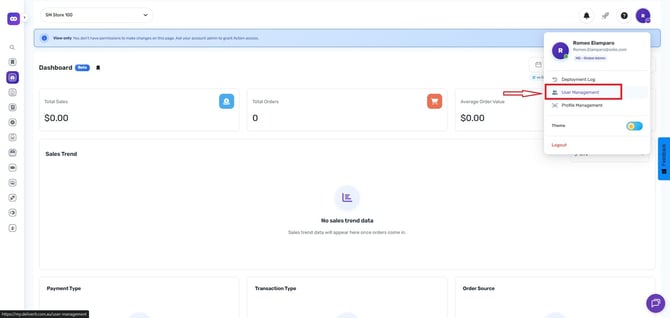
Select User Management from the drop-down menu
Locate the User
-
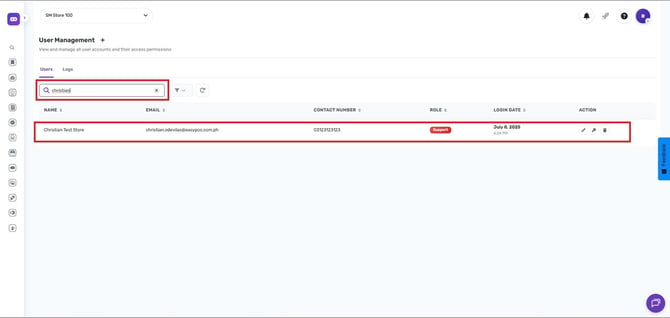
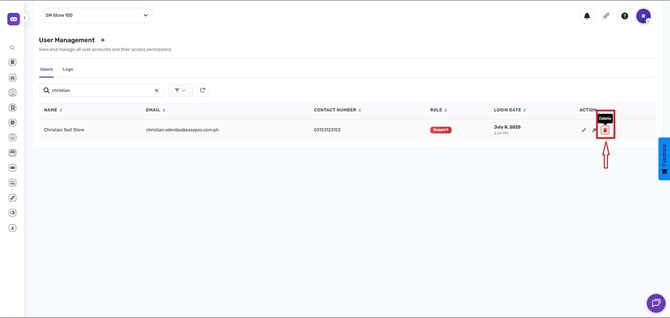
Use the search bar to find the user you want to delete
Remove the User
-
Click the Delete button next to the user’s name
-
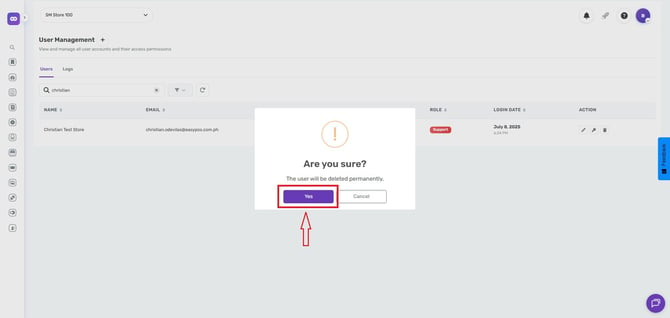
A confirmation prompt will appear
-
Select Yes to proceed with deletion.
Removing a user will permanently remove their access to Deliverit Studio. Make sure the user no longer requires access before proceeding. If you need further assistance, simply click the blue chat icon at the bottom-right corner of the screen to connect directly with our Application Support Team.