
Step‑by‑Step Instructions
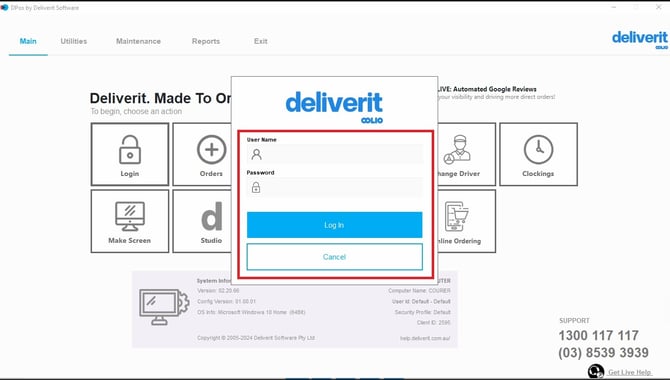
Log In to DPos
- Open DPos on your device.
- Enter your login credentials.
- Click Log In to proceed.
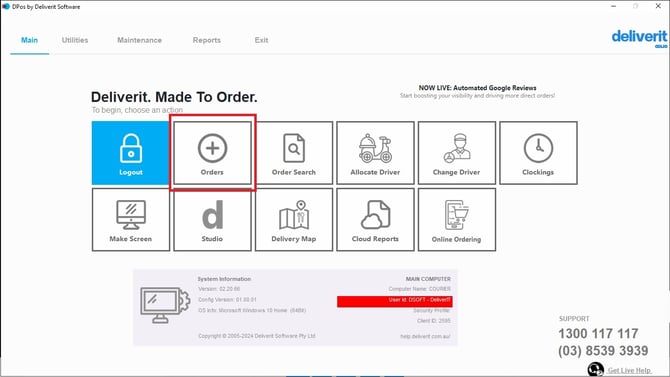
Go to the Orders Section
- From the main dashboard, navigate to Orders.
There Are Two Ways to Apply a Deal or Combo
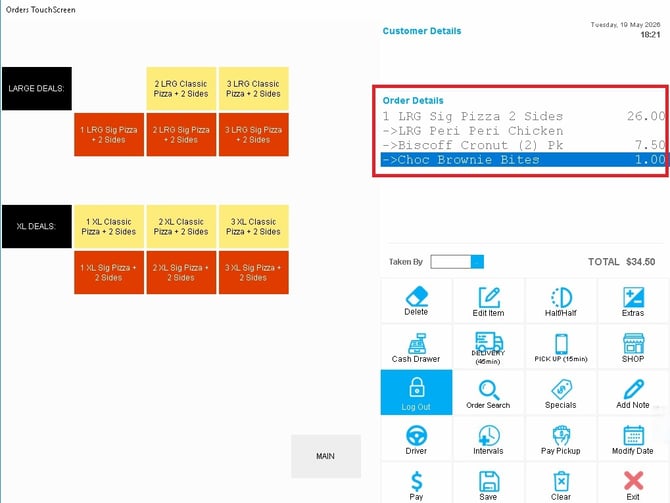
Method 1: Select a Deal Directly
- Browse the list of available deals.
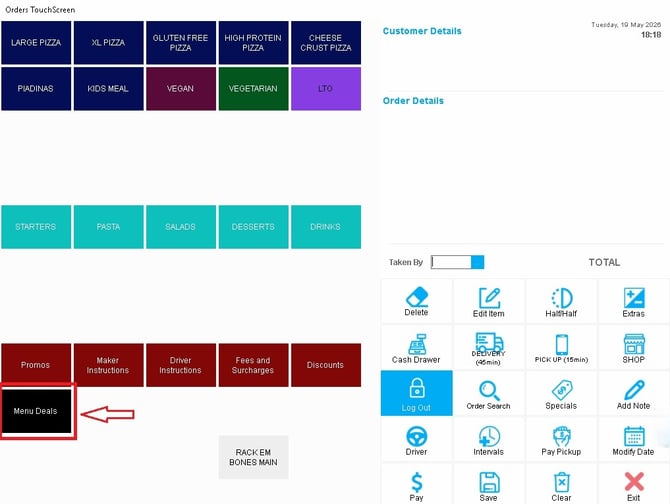
- Click on any deal you want to apply.
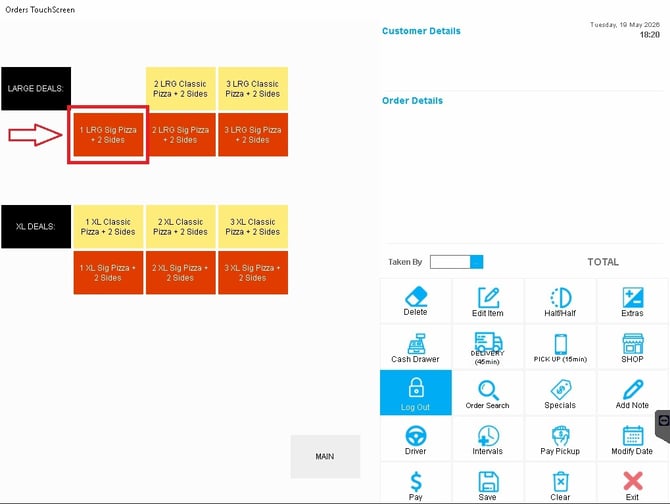
- The selected deal will be added to the order.
- Follow the on‑screen prompts to finish selecting the deal options.
- Save or Print Order
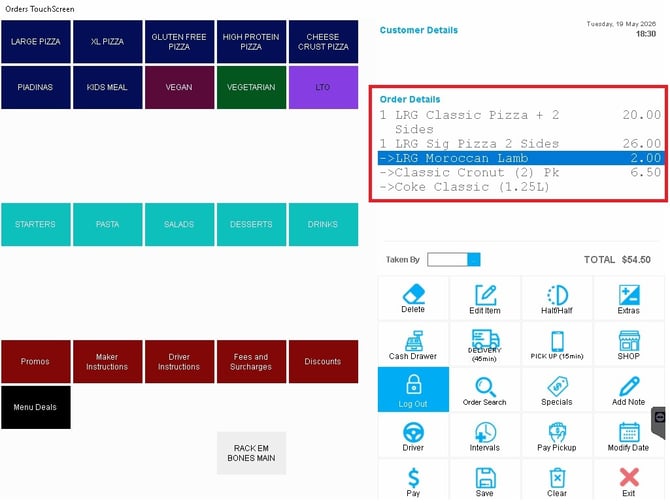
Method 2: Convert an Item into a Deal
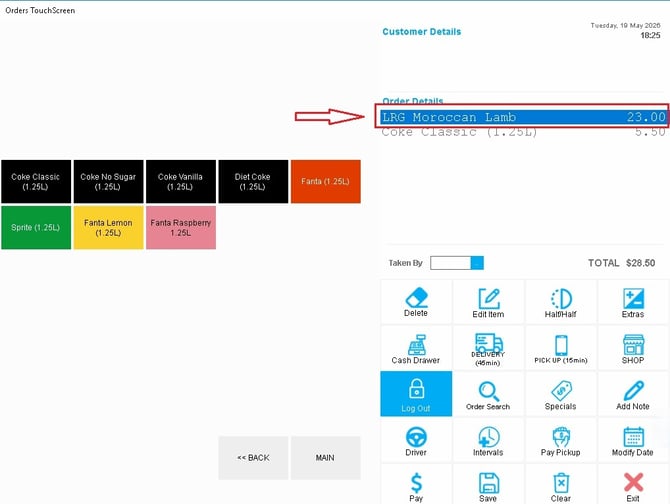
- Click on the item already added to the order.
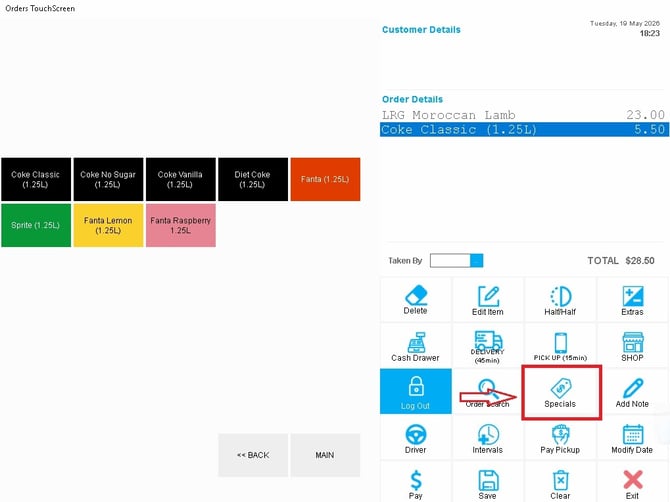
- Select the Specials button.
- Pick the deal that is most suitable for the customer.
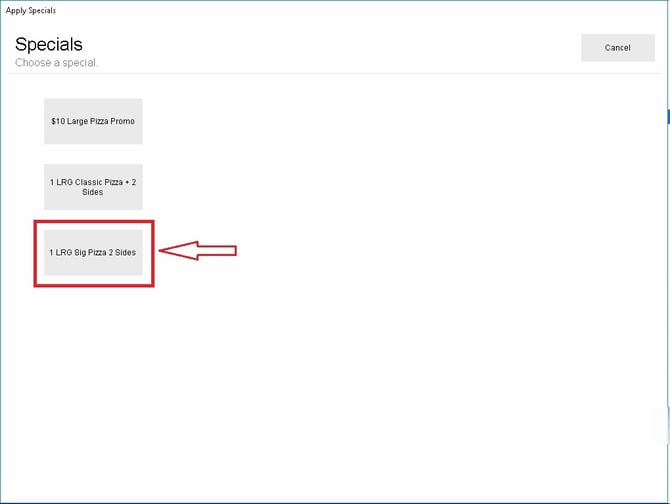
Once converted, the deal pricing will apply. The system will prompt you to fill in any missing deal selections before proceeding.
Using deals and combos helps ensure customers receive the correct promotions and pricing. If you need further assistance, simply click the blue chat icon at the bottom-right corner of the screen to connect directly with our Application Support Team.