
Step-by-Step Guide
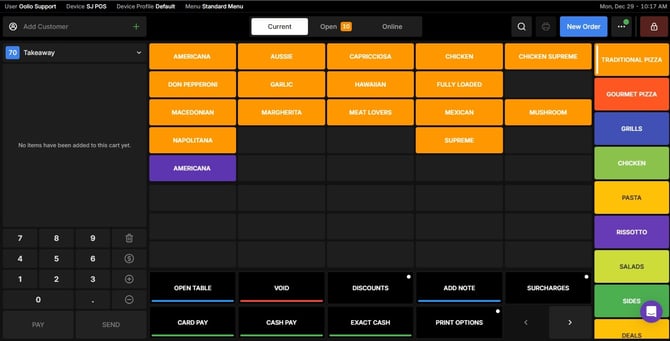
Go to the Order Screen
Start by navigating to the main order screen on your Oolio POS system.
Search for an Existing One
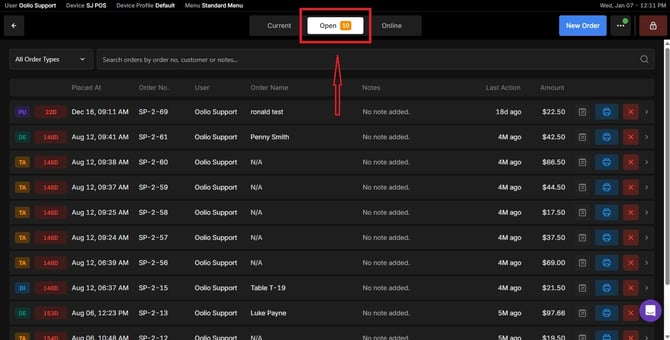
Or navigate to the Open tab.
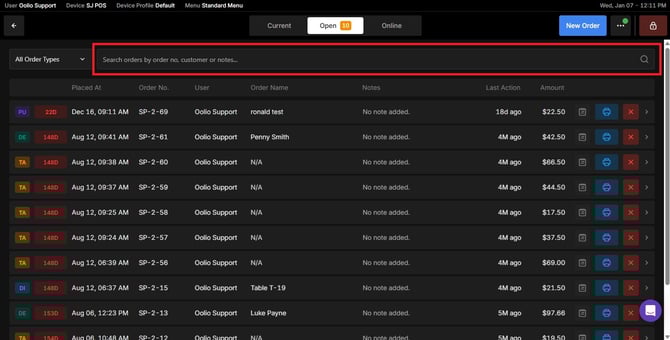
Use the search bar to find an existing order.
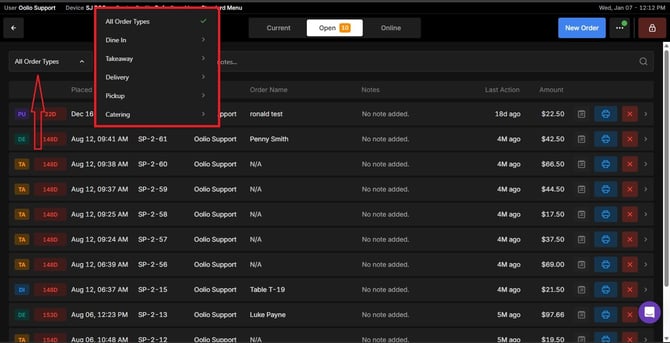
You can narrow down your results by selecting an order type.
Or, Create a new order
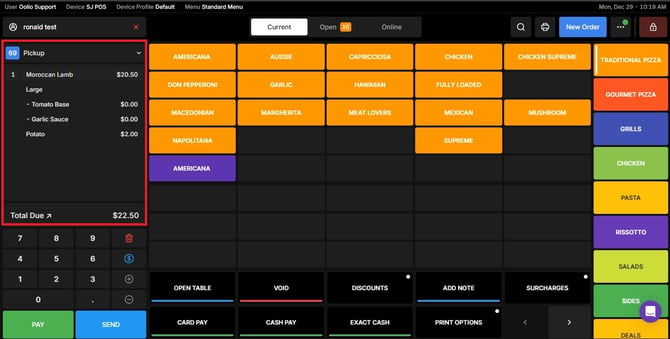
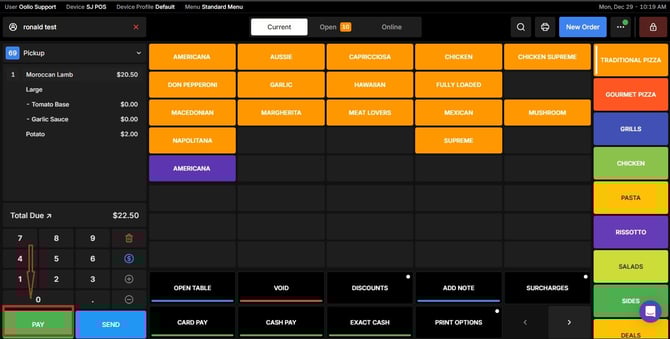
Click the Pay Button
Once the order is ready, tap the Pay button to proceed to payment options.
Choose the Card Option
Select the Card payment option to process the transaction.
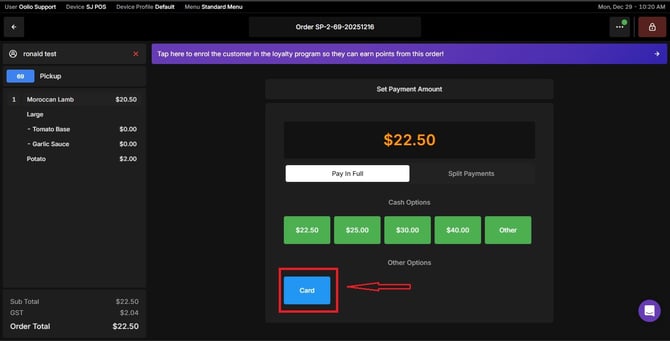
You have successfully paid for the order via card. If you need further assistance, simply click the blue chat icon at the bottom-right corner of the screen to connect directly with our Application Support Team.