
Log in to Studio
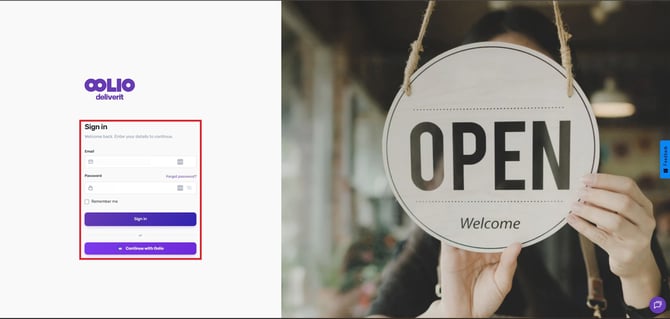
- Go to my.deliverit.com.au.
- Sign in using your Deliverit Studio account credentials.
Navigate to Menu Manager
- Click Menu Manager from the left-hand navigation menu.
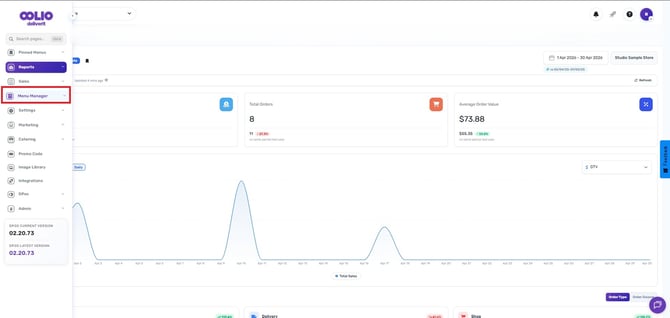
- Select the Menus tab.
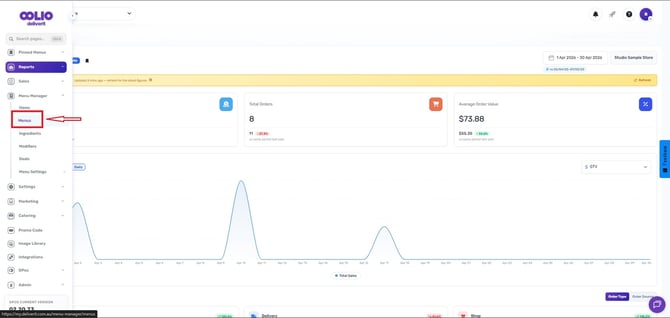
Open the Menu
- Locate and select the menu you wish to update.
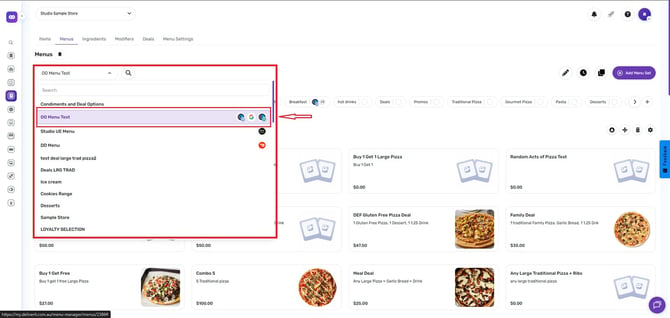
- Choose the category you want to modify.
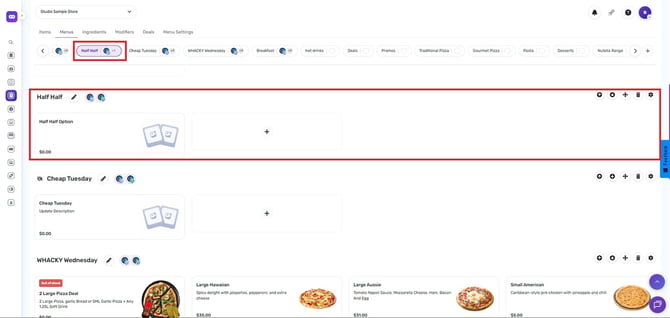
Update the Category Settings
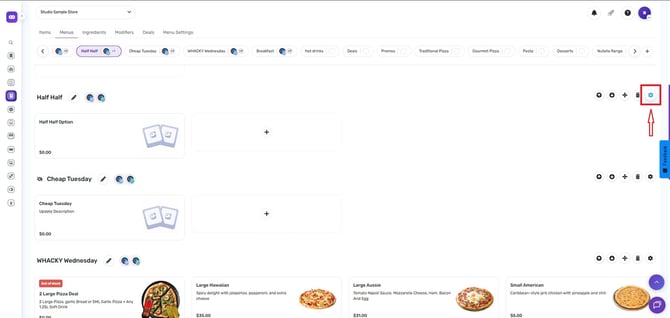
- Click the Gear (Settings) icon next to the category.
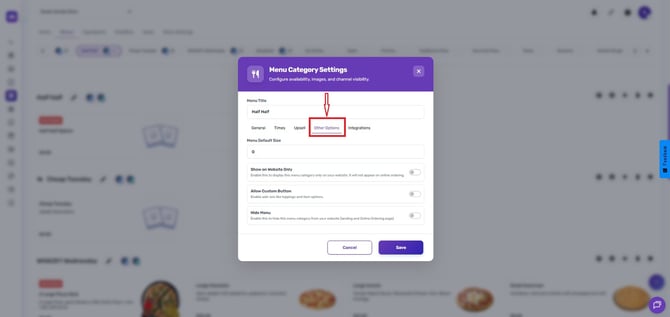
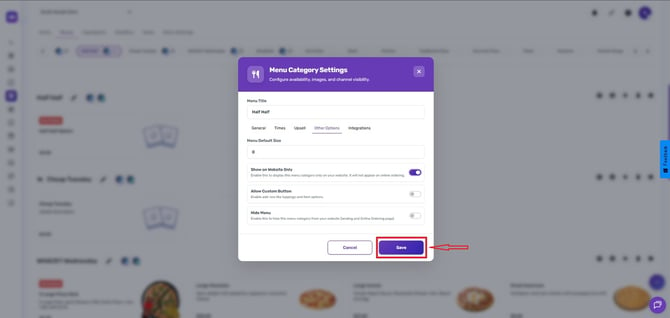
- Open the Other Options tab.
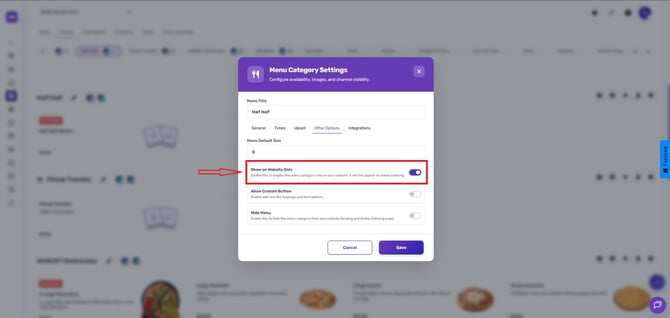
- Enable the Show on Website Only option.
- Click Save.
Deploy the Changes
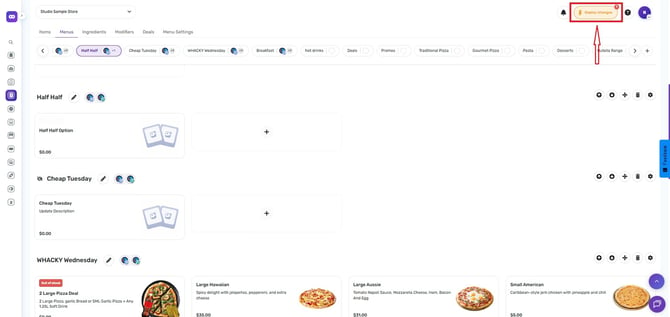
- Click the Rocket icon in the top-right corner of Studio.
- Select Deploy to publish the update.
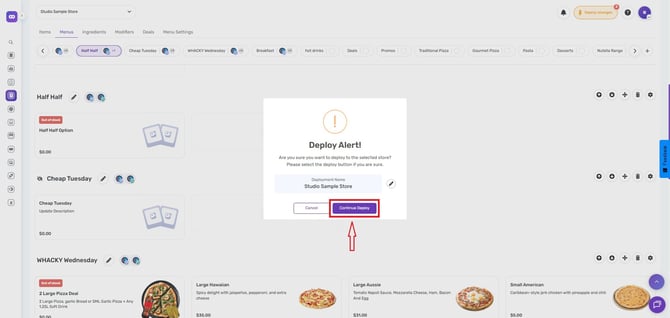
Once deployment is complete, the menu category will be displayed on the website only and will not appear in Online Ordering.
Changes to category visibility will not take effect until a deployment has been completed.
If you need further assistance, simply click the chat icon at the bottom-right corner of the screen to connect directly with our Application Support Team.