
Step-by-Step Guide
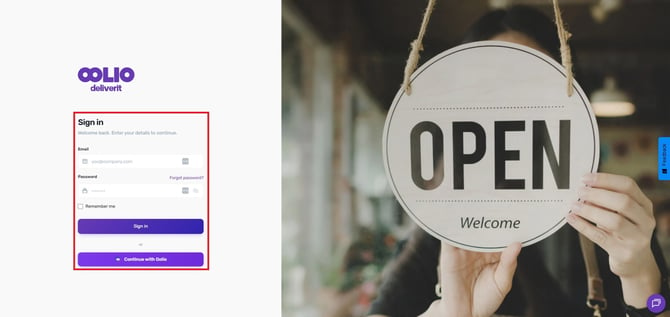
Log in to Your Account
Go to my.deliverit.com.au
Enter your login credentials
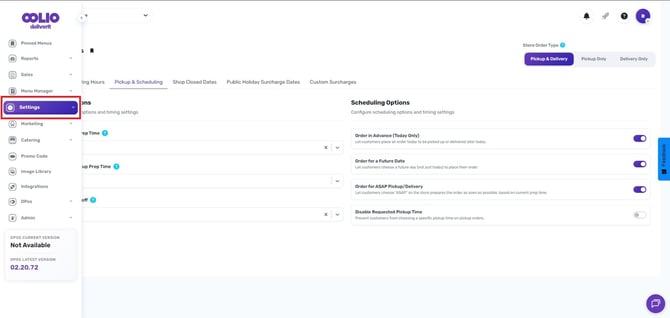
Go to Settings
Once logged in, click on the Settings section
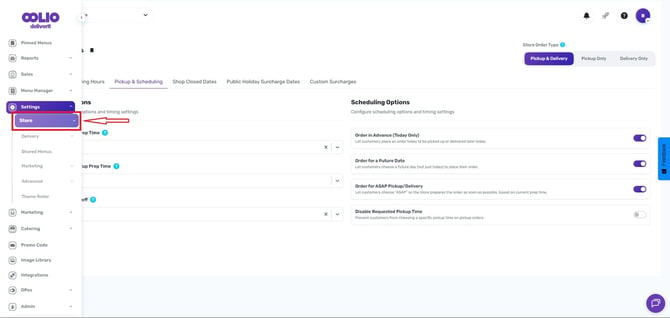
Select Your Store
Under Settings, choose the Store you want to update
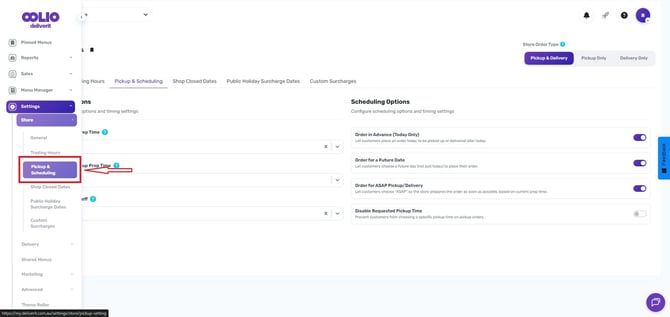
Open Pickup & Scheduling
From the available options, click Pickup & Scheduling
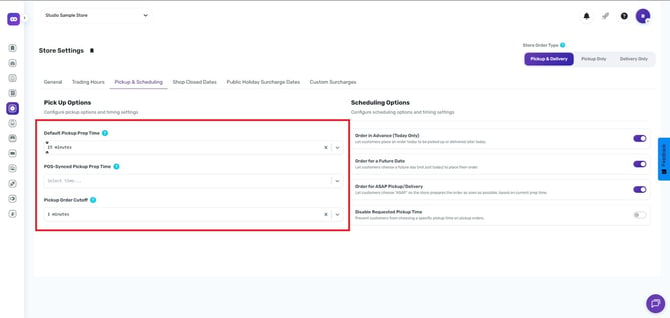
Configure Pickup and Delivery Intervals
In the Pickup Options section, update the following:
- Default Pickup Preparation Time – Sets the standard prep time for orders
- POS-Synced Pickup Prep Time – Uses prep time synced from your POS system (if enabled)
- Pickup Order Cutoff – Defines how many minutes before closing customers can place orders
Save Your Changes
Click Save to apply your updates
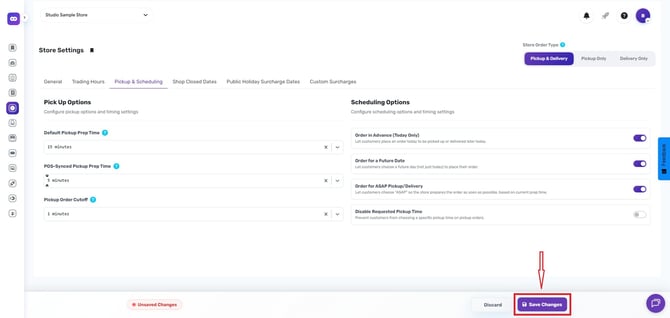
Your changes will take effect immediately on your Online Ordering system.
If you need further assistance, simply click the blue chat icon at the bottom-right corner of the screen to connect directly with our Application Support Team.